
How to Sell Products Online with Very Low Investment
Starting an online business doesn’t require a massive budget or a team of developers. With the right tools and approach, you can turn an idea into a fully functional online store without breaking the bank.
If you want complete control over your store, maximum flexibility, and zero monthly software subscription fees eating into your margins, combining WordPress with WooCommerce is the single best path forward.
In this guide, we’ll walk through how to build, launch, and grow a low-cost online store from scratch—step by step.
Why WordPress and WooCommerce Are the Ultimate Budget-Friendly Setup?
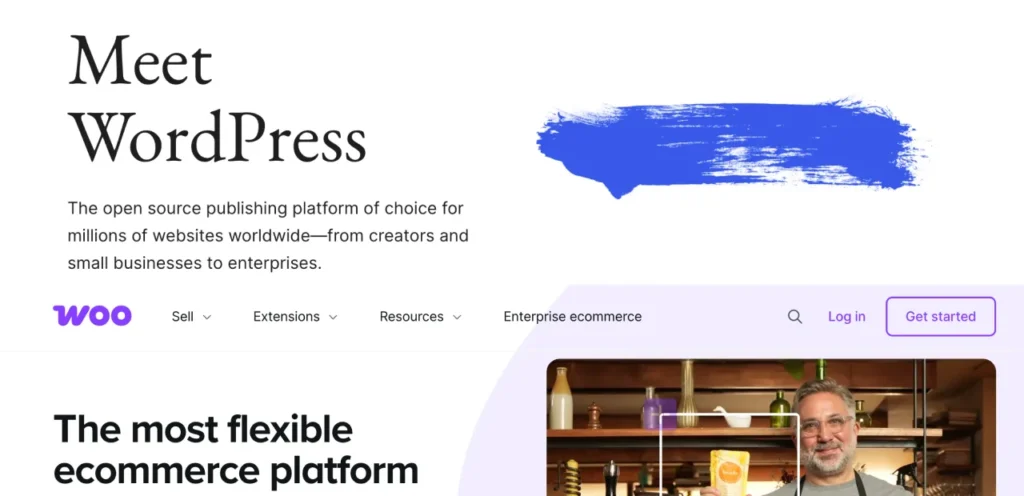
When comparing e-commerce options, many beginners default to hosted platforms like Shopify. While convenience is great, those platforms charge recurring monthly fees, transaction costs, and paid app subscriptions that add up quickly.
WordPress (the world’s most popular website builder) paired with WooCommerce (its free e-commerce plugin) gives you several distinct financial advantages:
- 100% Free Core Software: Both WordPress and WooCommerce are open-source and free to install.
- No Platform Commission: You don’t pay a percentage of your sales to your platform provider.
- Total Ownership: You own your site, your customer list, and your data outright.
- Vast Ecosystem of Free Tools: Access thousands of free plugins and themes to extend your store’s capabilities without spending a dime.
Step 1: Keep Your Startup Costs to a Bare Minimum
To launch on a shoestring budget, you only need to pay for two essential infrastructure items:
- Domain Name: Your website address (around $10–$15 per year).
- Web Hosting: The server space where your site lives (budget plans start around $3–$5 per month).
Pro Tip: Look for reliable web hosts that offer a free domain name and an SSL certificate (for security) with their entry-level hosting plans. This keeps your initial upfront cost well under $50 for the entire year.
Step 2: Set Up WordPress and WooCommerce in Minutes
Once your domain and hosting are ready, setting up your store is straightforward:
- Install WordPress: Most modern web hosts offer a one-click installation script inside your hosting dashboard.
- Install WooCommerce: Navigate to
Plugins > Add Newinside your WordPress dashboard, search for WooCommerce, click Install, and then Activate. - Run the Setup Wizard: WooCommerce will walk you through setting your store currency, location, shipping defaults, and tax settings automatically.
Step 3: Pick a Free, High-Performing Theme
You do not need to purchase a custom design or expensive premium theme to start selling effectively. Choose a lightweight, mobile-responsive free theme optimized specifically for WooCommerce:
- Storefront: The official WooCommerce theme—clean, fast, and reliable.
- Avada or OceanWP: Extremely versatile free themes with pre-built store layouts you can import with a single click. Get to know the best theme by clicking here
A clean design builds trust quickly, loads fast, and keeps the focus where it belongs: on your products.
Step 4: Add Products and Set Up Free Payment Options
Adding your inventory in WooCommerce is as simple as publishing a blog post:
- Go to
Products > Add New. - Add high-quality product images (use your smartphone in natural lighting to save on photography fees).
- Write clear, detailed descriptions emphasizing benefits over features.
- Set your pricing and inventory numbers.
Payment Processing
WooCommerce supports popular, secure payment gateways like Stripe and PayPal out of the box with no setup fees. You only pay standard merchant processing rates (around 2.9% + $0.30 per successful transaction), meaning you only pay when you actually make a sale.
Step 5: Drive Free Traffic to Your Store
Having a low investment budget means leaning on smart organic strategies rather than paid ads:
- Search Engine Optimization (SEO): Use free SEO plugins like Yoast or Rank Math to optimize your product pages for keywords your potential customers are actively searching for.
- Content Marketing: Write helpful guides or tutorials related to your products to attract organic traffic from search engines.
- Social Commerce: Create business profiles on Instagram, Pinterest, or TikTok. Share behind-the-scenes content, product demos, and customer reviews to build an audience organically.
- Email Marketing: Capture visitor emails using free plans on tools like HubSpot to build a direct line to your potential buyers without paying for ad reach.
Final Thoughts: Start Small, Scale Smart
Building a successful online store isn’t about how much money you throw at it initially—it’s about choosing the right foundation. By leveraging WordPress and WooCommerce, you retain full ownership of your store while keeping your launch overhead exceptionally low.
Focus on testing your product demand, listening to early customer feedback, and reinvesting your early profits back into growing your store.