
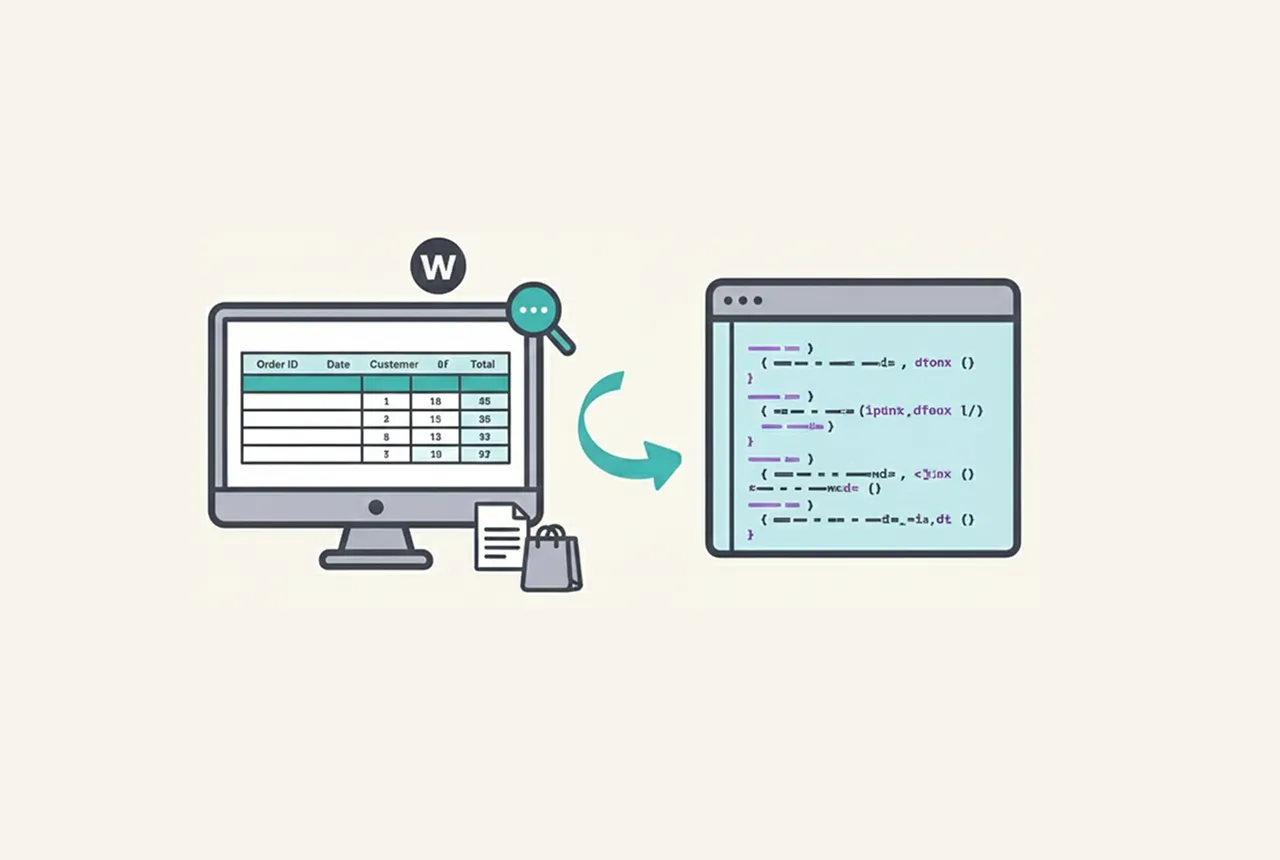
Fetching more than 1000 WooCommerce orders can quickly hit memory limits, pagination restrictions, and performance bottlenecks. In this guide, you’ll learn how to get WooCommerce order details in bulk using PHP by querying order IDs directly and processing them efficiently.
PHP Code to Fetch More Than 1000 WooCommerce Orders at Once
/**
 * Fetch all WooCommerce orders in bulk without pagination.
 * This method bypasses limits to fetch all orders at once.
 */
function get_all_orders_details() {
    global $wpdb;
    // Query to fetch all order IDs directly from the database
    $order_ids = $wpdb->get_col("
        SELECT ID
        FROM {$wpdb->posts}
        WHERE post_type = 'shop_order'
        AND post_status IN ('wc-completed', 'wc-processing', 'wc-on-hold')
    ");
    $all_orders = [];
    // Process each order ID to fetch details
    foreach ($order_ids as $order_id) {
        $order = wc_get_order($order_id);
        if (! $order) {
            continue;
        }
        $order_details = [
            'ID'            => $order->get_id(),
            'Total'         => $order->get_total(),
            'Customer Name' => $order->get_billing_first_name() . ' ' . $order->get_billing_last_name(),
            'Email'         => $order->get_billing_email(),
            'Status'        => $order->get_status(),
            'Date'          => $order->get_date_created()->date('Y-m-d H:i:s'),
        ];
        $all_orders[] = $order_details;
        // Debug output (avoid in production)
        echo "Order ID: {$order_details['ID']}\n";
        echo "Total: {$order_details['Total']}\n";
        echo "Customer: {$order_details['Customer Name']}\n";
        echo "Email: {$order_details['Email']}\n";
        echo "Status: {$order_details['Status']}\n";
        echo "Date: {$order_details['Date']}\n";
        echo "-------------------------\n";
    }
    return $all_orders;
}
// Execute the function
get_all_orders_details();
How WooCommerce Order Details Are Fetched in Bulk
- Direct Database Query
- Uses
$wpdb->get_col()to retrieve all WooCommerce order IDs in a single query. - Filters orders by status such as
wc-completed,wc-processing, andwc-on-hold.
- Uses
- Order Object Processing
- Each order ID is converted into a WooCommerce order object using
wc_get_order(). - Key details like total, customer info, status, and creation date are extracted.
- Each order ID is converted into a WooCommerce order object using
- Storage and Output
- All order details are stored in an array for export, reporting, or syncing.
- Debug output is printed for testing purposes.
When Should You Use This Method?
- Exporting more than 1000 WooCommerce orders to CSV
- Syncing WooCommerce orders with ERP or CRM systems
- Generating large-scale sales or customer reports
- Migrating WooCommerce order data between servers
Important Performance Considerations
⚠️ Fetching all WooCommerce orders at once can cause high memory usage on large stores. This method should be used in controlled environments such as cron jobs, staging sites, or WP-CLI. For production sites with thousands of orders, batch processing is recommended.
Frequently Asked Questions
Can this code fetch more than 10,000 WooCommerce orders?
Yes, but it is not recommended on shared hosting.
For very large datasets, using background processing or WP-CLI is safer.
Is this better than using wc_get_orders()?
This approach bypasses pagination limits and is faster for bulk exports.
However, It wc_get_orders() is safer and more optimized for live production sites.
Will this slow down my live WooCommerce store?
Yes, if executed during peak traffic hours.
Always run bulk order fetch operations during low-traffic periods.
Final Notes
This method is ideal for developers who need to retrieve WooCommerce order details in bulk. If you plan to run this on a live store, add safeguards such as execution limits, batching, or timeouts to prevent server overload.